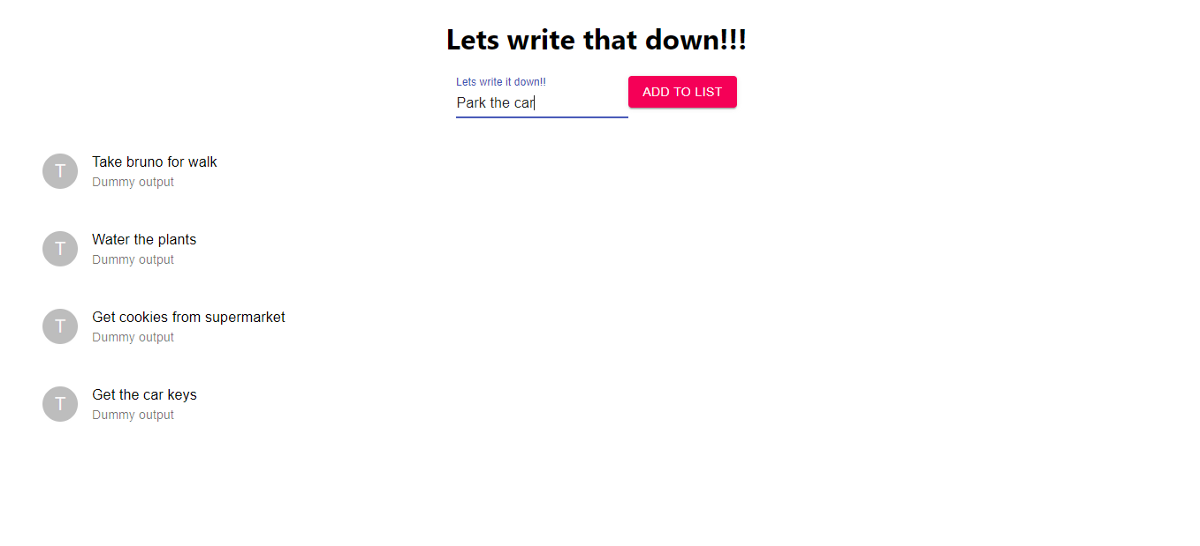
How I created a simple yet powerful todo list using React
Published
•2 min readCreated Title, Input field and add button:
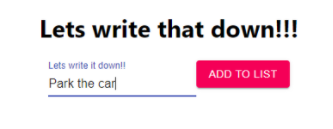
Created a state that holds some predefined values of todo tasks:
This creates an array object todos which hold(setTodos) the values on the RHS for this particular session or State.

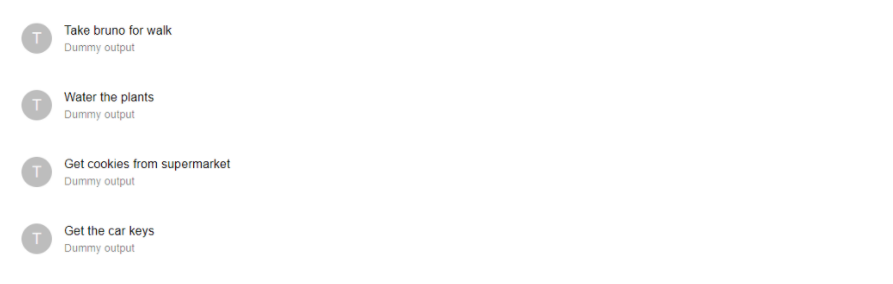
Display the values of todos in form of a list:
Now we have pre defined todo tasks in the array and we want to display the values in form of list. So we want to loop the array and display the values. We can use function map for looping and display the values in the list just below our button and input field.
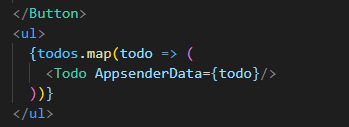
We simply display the values passed from map function in the component:
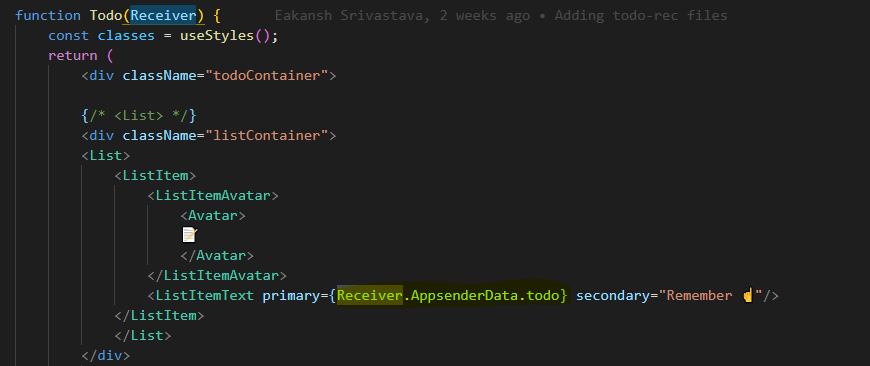
Taking input from input field:
Now we want to take inputs from the input field and append it to the existing list. We need to define a state for input too:

Now, input holds blank value initially. We have to set input's value to whatever we type in the input field, so we nee to map input field to input:

Whenever anything is typed in the input field, the event is returned by JS. We capture the event's value and setInput to the same on change.
Appending the captured value to the list:
We just have to append the captured value to the list, so we call a function addToList on click of the Add button:

In addToList function, we:
- Append the input to the list
- setInput back to blank

Using material UI for better UI and responsiveness :
For a good responsive input fields and button we have used form control from material UI and their responsive buttons. We have used List items from material UI to for a clean list view.
Final build: